
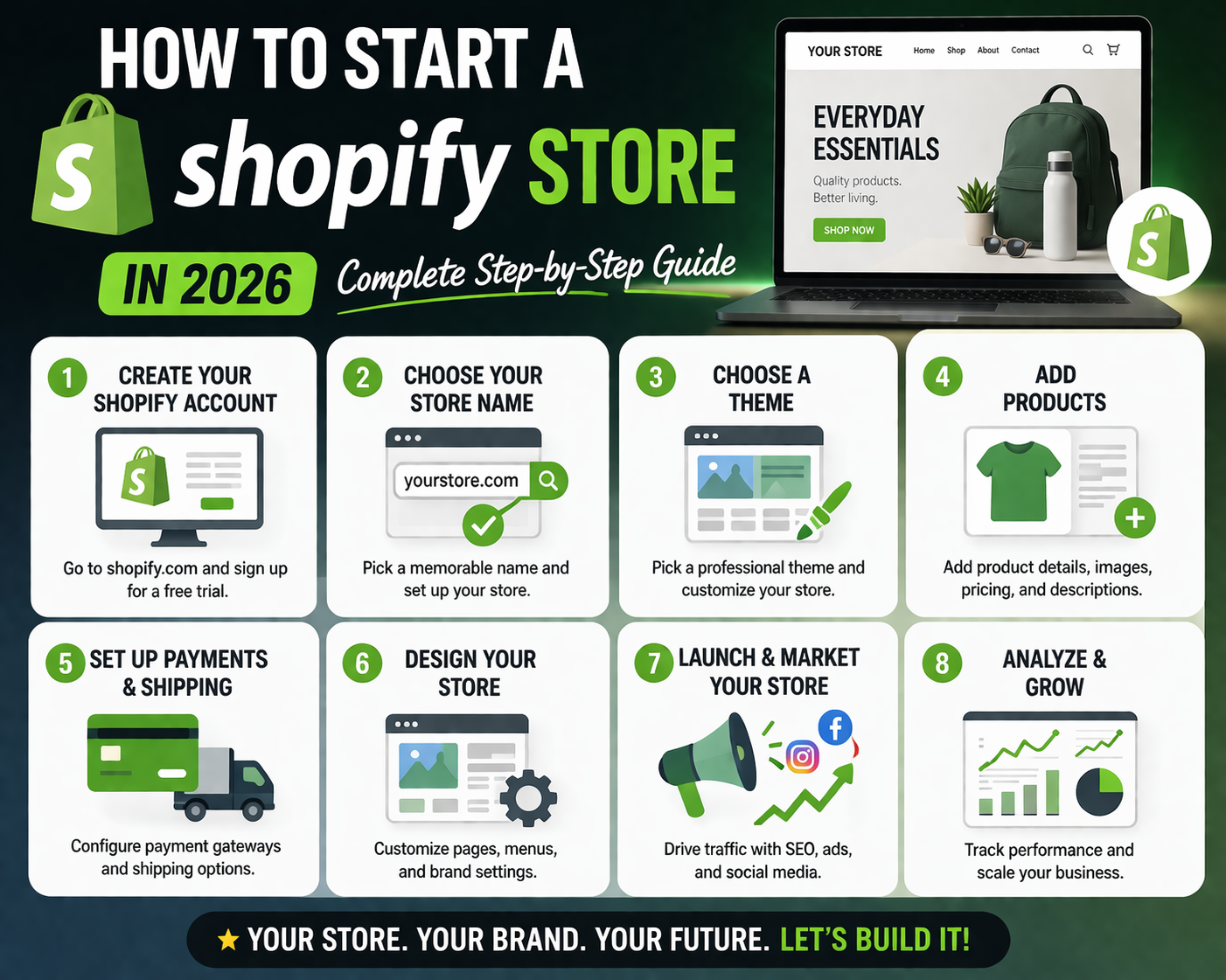
Starting your own Shopify store in 2026 may seem overwhelming, but with the right guidance, anyone can set up a professional online store—even without prior experience. This guide will walk you through every step, with examples, tips, and suggested images/screenshots so you can follow along easily.
Choose Your Niche & Products
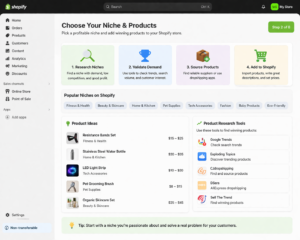
Before starting, you need to decide what type of store you want.
- Examples: Fashion, electronics, digital products, or print-on-demand.
- Conduct product research to check demand and competition.
- A focused niche helps with marketing, targeting, and long-term growth.
Tip: Create a spreadsheet listing potential products, competitor prices, and demand.
Suggested screenshot/image:
- Example product research spreadsheet
- Top-selling product charts
Create Your Shopify Account
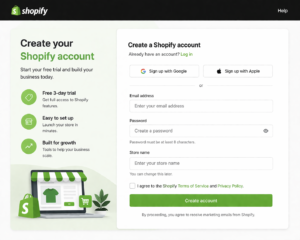
- Visit the official Shopify website.
- Sign up for a free trial.
- Enter your email, password, and store name.
- Verify your account via email.
Tip: Choose a store name that is unique and easy to remember.
Suggested screenshot/image:
- Shopify signup page
- Confirmation email verification
Complete Store Settings
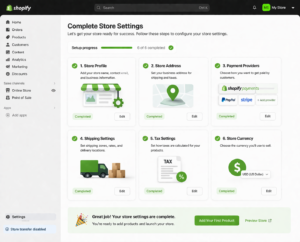
Fill out all the basic store settings before adding products:
- Store details: Address, contact info, timezone, currency.
- Checkout settings: Enable or disable customer accounts, configure order processing.
- Legal pages: Privacy policy, refund policy, terms & conditions.
- Staff accounts: Add team members if applicable.
Tip: Adding legal pages builds trust with customers and Google.
Suggested screenshot/image:
- Shopify settings page with store info
- Checkout settings screen
Select & Customize Your Theme
The right theme is critical for user experience and trust:
- Choose a mobile-friendly free or paid theme.
- Customize your homepage: colors, fonts, banners, and logo.
- Set navigation menus for easy browsing.
- Add footer, About Us, and Contact pages.
Tip: Keep the design clean, professional, and easy to navigate.
Suggested screenshot/image:
- Theme customization page
- Example homepage layout
Domain Setup
- Use a free Shopify subdomain or connect a custom domain.
- Enable SSL certificate to secure your store.
Tip: A custom domain improves credibility and brand identity.
Suggested screenshot/image:
- Domain setup page
- SSL enabled notification
Add Products
Adding your products correctly is key:
- Add product title, description, and high-quality images.
- Set SKU, inventory, weight, and shipping info.
- Include variants (sizes, colors, materials).
- Compare prices with competitors.
- Create collections/categories for easy navigation.
Tip: Use SEO-friendly product titles and descriptions to improve Google search ranking.
Suggested screenshot/image:
- Product add page
- Example product image with variants
Set Up Payment Gateways
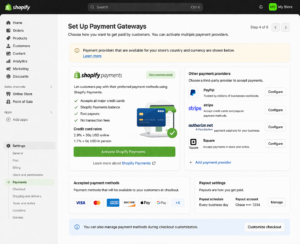
- Enable Shopify Payments, PayPal, Stripe, or other gateways.
- Configure taxes based on your country.
- Test checkout with different payment methods.
Tip: Multiple payment options improve user trust and increase conversions.
Suggested screenshot/image:
- Payment settings page
- Test checkout screen
Configure Shipping & Delivery
- Set shipping zones and rates: free, flat, or real-time carrier rates.
- Add packaging dimensions and weights.
- Clearly display shipping policies for transparency.
Tip: Clear shipping information reduces cart abandonment.
Suggested screenshot/image:
- Shipping setup page
- Example shipping policy section
Install Apps & Tools
Apps enhance your store and marketing:
- Marketing apps: Email campaigns, SMS, social media integration.
- SEO apps: Meta descriptions, sitemap, optimized product titles.
- Analytics apps: Google Analytics, Facebook Pixel, Hotjar.
- Reviews apps: Encourage customer feedback and social proof.
Tip: Only install apps that are necessary to keep store speed fast.
Suggested screenshot/image:
- Shopify App Store page
- Example app setup screenshot
Test Before Launch
- Preview your store on desktop and mobile.
- Test checkout process including payments, taxes, and shipping.
- Test all links, navigation, images, and discount codes.
Tip: Testing prevents issues after launch.
Suggested screenshot/image:
- Checkout preview
- Mobile store preview
Launch & Marketing
- Publish your store and make it live.
- Link social media pages: Instagram, Facebook, TikTok.
- Plan first sale promotions: discounts, email campaigns, or paid ads.
- Optimize product titles, meta descriptions, and blogs for SEO.
Tip: Social proof and marketing help drive your first sales.
Suggested screenshot/image:
- Published store screenshot
- Example social media integration
Post-Launch Tips
- Set up customer support via email or chat.
- Regularly add new products.
- Monitor analytics and improve marketing, product selection, and conversion.
- Keep Shopify dashboard, apps, and themes updated.
Tip: Continuous improvement is key to long-term success.
Suggested screenshot/image:
- Google Analytics dashboard
- Shopify orders dashboard
Bonus Tips for 2026
- Use high-quality screenshots & images → users trust your guide.
- Add real experience examples → “I tested my store and achieved X results.”
- Encourage reviews & testimonials → build credibility.
- Keep content helpful, detailed, and user-focused → Google March 2026 update friendly.
Final Note
Starting a Shopify store in 2026 is completely doable if you follow these steps carefully. Focus on:
- Choosing a profitable niche
- Setting up a professional store
- Adding real experience, proof, and helpful guidance
- Continuous improvement and marketing
By following this complete guide, even beginners can launch a successful Shopify store with confidence.